A greenhouse inspection robot that drives itself and keeps a live digital twin.
Lupin explores and patrols greenhouse rows with Nav2, reads climate data at AprilTag stations, classifies flowers and flags pests with YOLO, and streams the results into a digital twin and a browser console with voice control. It runs on ROS 2, in simulation and on the real robot, and the source is open.
ros2 launch lupin_bringup sim_full.launch.py- ROS 2 Humble
- Nav2 · MPPI
- Mecanum base
- 23-tool voice
- Open-source
- 9
- ROS 2 packages
- 23
- voice tools
- 11 / 11
- msgs / services
- MPPI
- omni controller
- Sim + HW
- one codebase
- Apache 2.0
- license
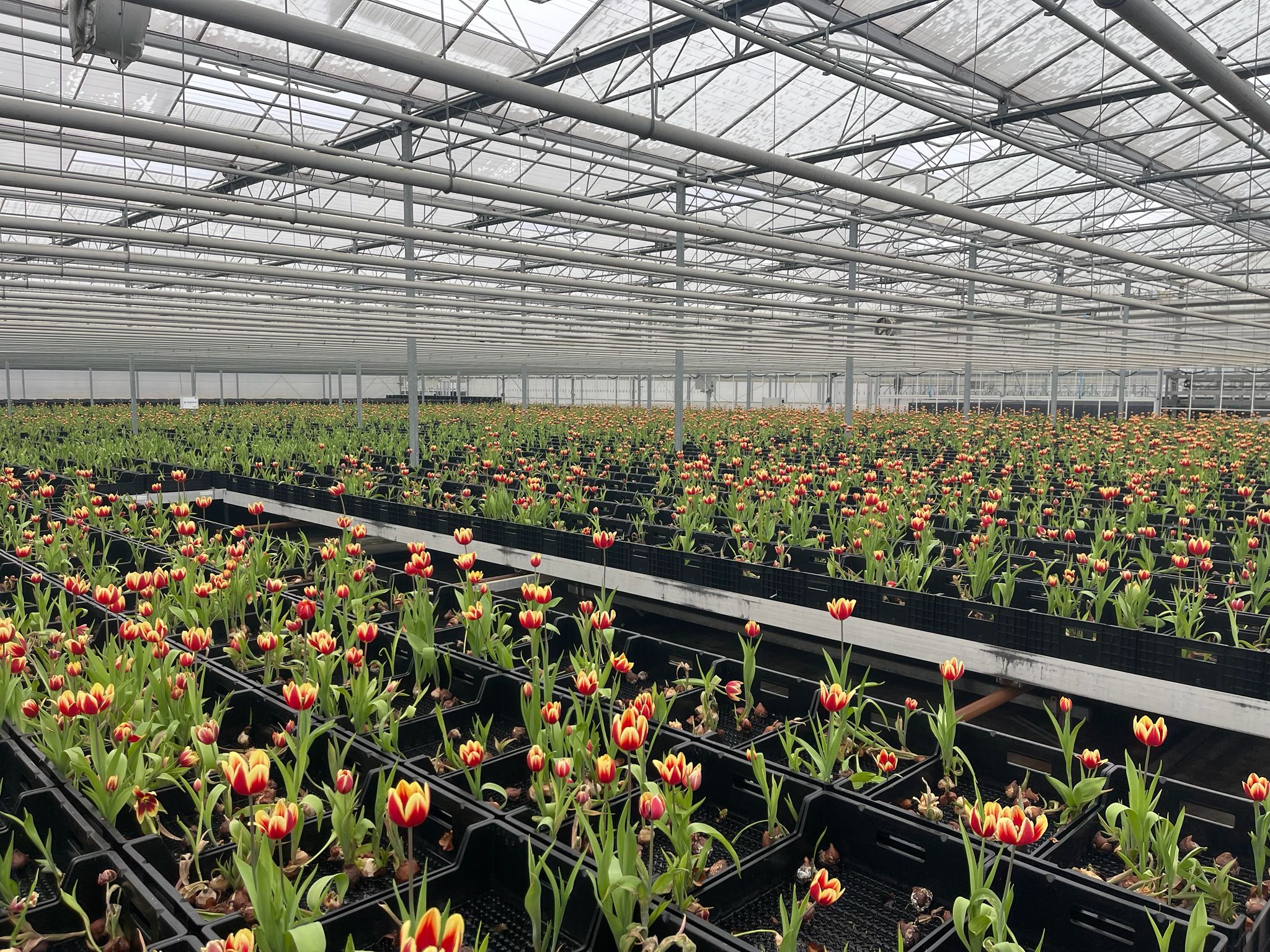
A greenhouse has thousands of plants, and the rounds are still done on foot.
Climate readings sit on tags down every aisle, plant health is checked by eye, and fixed sensors only see their own spot. A grower cannot be in every row at once.
Lupin drives the rows on its own and reports what it finds.
Six things the robot does.
From an empty map to a live twin.
Demos.
Drop clips into public/demos/ and they appear here automatically.
DEMO VIDEO PLACEHOLDER
drop your clip at public/demos/navigation.mp4
DEMO VIDEO PLACEHOLDER
drop your clip at public/demos/hardware.mp4
DEMO VIDEO PLACEHOLDER
drop your clip at public/demos/twin.mp4
DEMO VIDEO PLACEHOLDER
drop your clip at public/demos/voice.mp4
MIRTE Master V2.
Lupin runs on the course’s MIRTE Master V2, a holonomic mecanum platform with a small manipulator. The same codebase drives Gazebo and the real robot; only the downstream drive topic changes.
Full hardware spec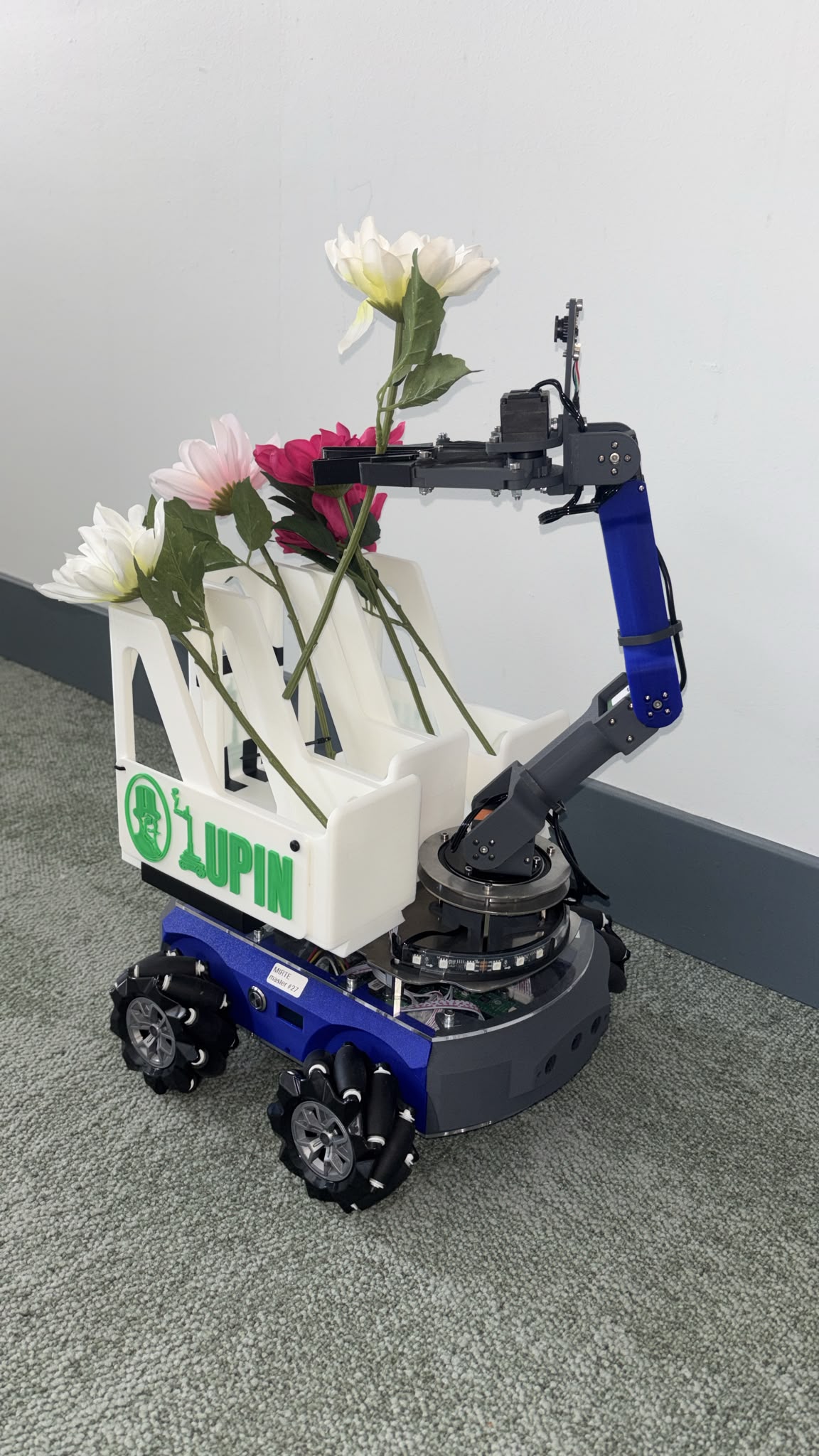
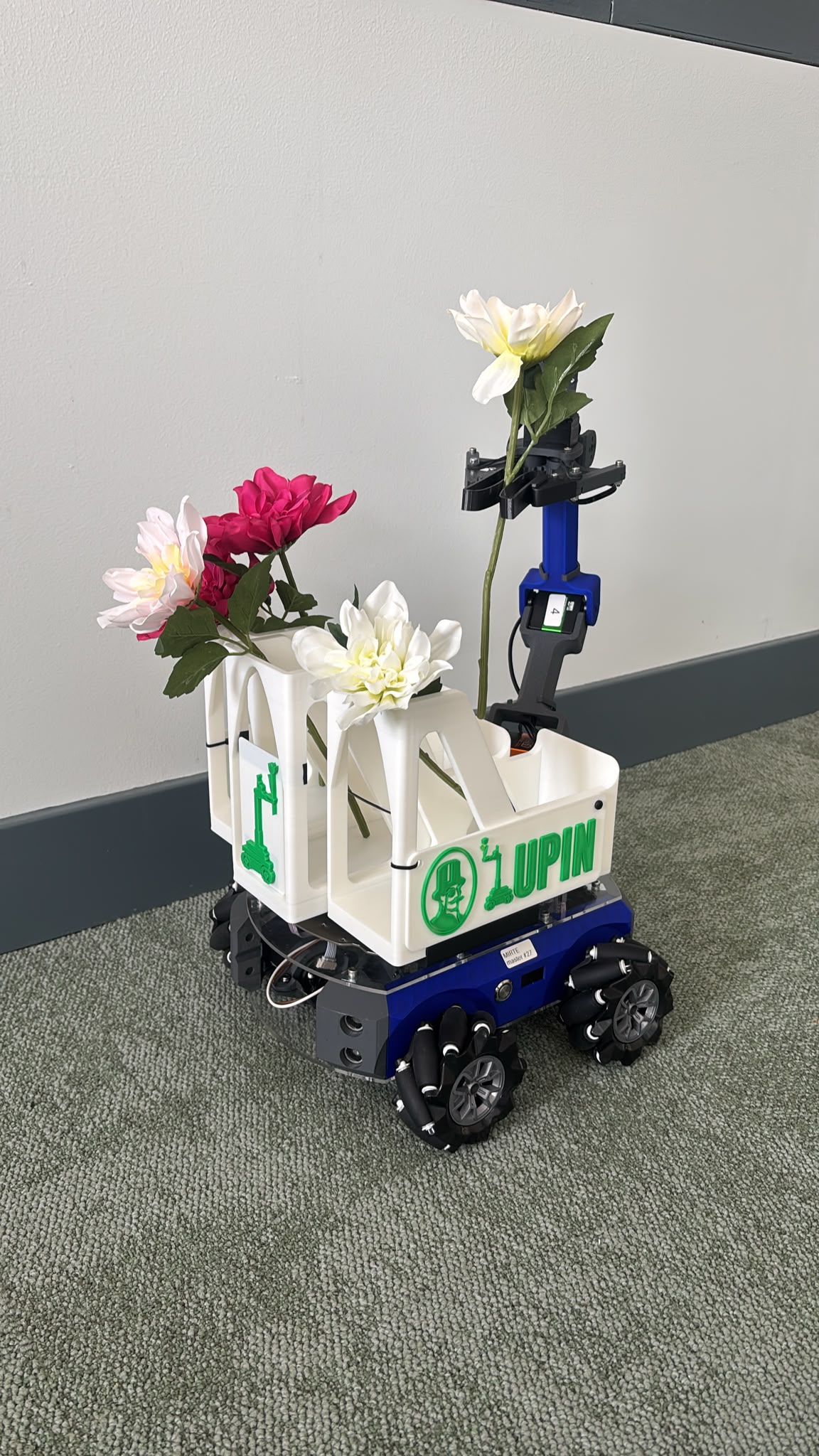
4-wheel mecanum base
holonomic drive
4-DOF arm + 1-DOF gripper
Hiwonder servos
Orbbec depth + gripper cam
RGB-D + close-up
RPLidar + IMU
SLAM + odometry
Orange Pi onboard
laptop offload
wheel-encoder odometry
sim = hardware
Implementation notes.
The HMI walks the /tf tree itself
No tf2_web_republisher: RosProvider subscribes to /tf + /tf_static over CBOR, chains 2D transforms in the browser, and re-renders only when the robot moves >5 mm.
A permanent, heart-beating E-stop
It boots engaged, gates every cmd_vel publish, heartbeats a zero Twist at 20 Hz, fires CancelGoal at both Nav2 servers, and auto-trips on tab-hide or rosbridge drop.
A twin that leaves unknown cells empty
The get_field service interpolates sensor heatmaps but encodes any cell beyond 1.5 m of a real reading as NaN, so the console paints colour only where data supports it.
A dependency-free frontier explorer
Pure-Python BFS over the occupancy grid, no numpy, no rclpy, masks unknown-adjacent free cells and scores clusters by size / (1 + distance) to pick the next goal.
Built by Team Lupin.
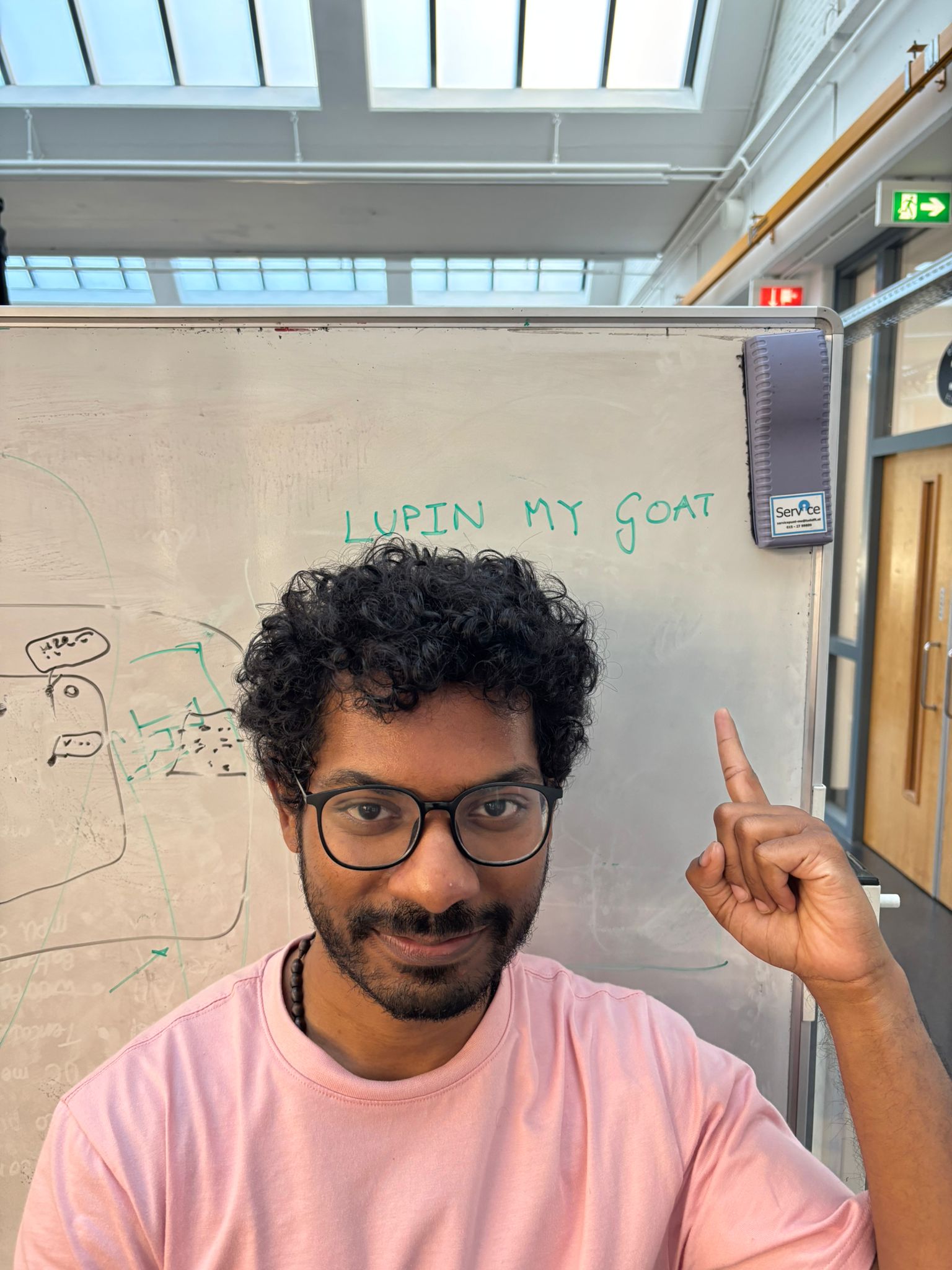
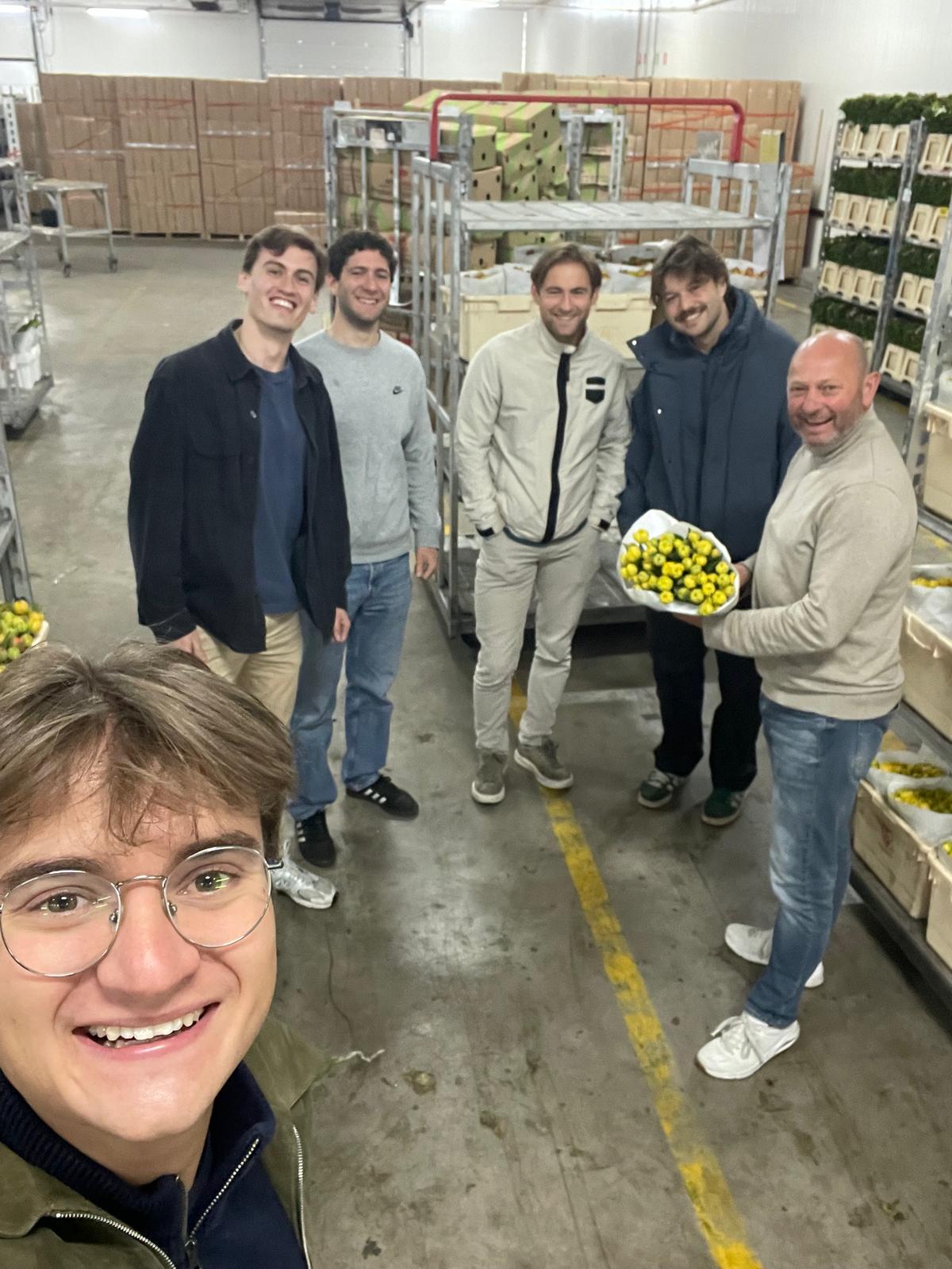
Six MSc Robotics students at TU Delft (group_14, RO47007 Multidisciplinary Project, 2026 cohort). Together they wrote and maintain the Lupin stack on top of the MIRTE Master platform.


Try it in simulation.
Bring Lupin up in Gazebo with one command, then run the same stack against the real robot. The source is open and the docs cover both.
ros2 launch lupin_bringup sim_full.launch.py